Fonts Generator
Use our fonts generator to turn plain text into stylish Unicode fonts you can copy and paste on Instagram, TikTok, Discord, and more.
Instant font previews
Plain
Your Text Here
Bold Serif
𝐘𝐨𝐮𝐫 𝐓𝐞𝐱𝐭 𝐇𝐞𝐫𝐞
Italic Serif
𝑌𝑜𝑢𝑟 𝑇𝑒𝑥𝑡 𝐻𝑒𝑟𝑒
Bold Italic
𝒀𝒐𝒖𝒓 𝑻𝒆𝒙𝒕 𝑯𝒆𝒓𝒆
Script
𝒴ℴ𝓊𝓇 𝒯ℯ𝓍𝓉 ℋℯ𝓇ℯ
Bold Script
𝓨𝓸𝓾𝓻 𝓣𝓮𝔁𝓽 𝓗𝓮𝓻𝓮
Fraktur
𝔜𝔬𝔲𝔯 𝔗𝔢𝔵𝔱 ℌ𝔢𝔯𝔢
Bold Fraktur
𝖄𝖔𝖚𝖗 𝕿𝖊𝖝𝖙 𝕳𝖊𝖗𝖊
Double Struck
𝕐𝕠𝕦𝕣 𝕋𝕖𝕩𝕥 ℍ𝕖𝕣𝕖
Sans
𝖸𝗈𝗎𝗋 𝖳𝖾𝗑𝗍 𝖧𝖾𝗋𝖾
Sans Bold
𝗬𝗼𝘂𝗿 𝗧𝗲𝘅𝘁 𝗛𝗲𝗿𝗲
Full Width
Your Text Here
Explore Popular Font Generator Styles and Use Cases
Jump straight to the most searched styles and use cases, from social media bios to cute captions and gothic usernames.
Popular intent
Instagram Font Generator
Create eye-catching bios, captions, and story text that stands out fast.
Popular intent
TikTok Text Generator
Generate stylish text for profiles, captions, and short-form content hooks.
Popular intent
Discord Font Changer
Make usernames, status lines, and messages feel more personal and distinctive.
Popular intent
Cursive Fonts
Elegant script-style text for aesthetic posts, notes, and creative branding.
Popular intent
Gothic Fonts
Bold Old English inspired styles for dramatic usernames and visual identity.
Popular intent
Cute Fonts
Playful bubble and aesthetic text styles for friendly, fun online profiles.
What Is a Fonts Generator?
A fonts generator turns regular text into stylish Unicode characters that look like different fonts. You type normal text, browse the generated versions, and copy the style you want to use.
These are not installable font files. Instead, the tool converts letters into Unicode symbols so you can paste them into Instagram bios, TikTok captions, Discord names, and other apps that support Unicode text.
How to Use This Font Generator
Create copy-and-paste fonts in three simple steps.
1. Type your text
Enter or paste any word, caption, username, or short phrase into the generator.
2. Browse the generated styles
Compare cursive, gothic, bold, bubble, and other styles until one fits your vibe.
3. Copy and paste anywhere
Use your styled text in bios, captions, chats, profiles, and posts across major platforms.
Popular Font Style Categories
Start with the styles people search for most often, then copy the one that fits your platform, mood, or audience.
𝒞𝓊𝓇𝓈𝒾𝓋𝑒
Script-inspired styles for bios, signatures, invitations, and soft aesthetic captions.
Fonts for Instagram, TikTok, Discord, and More
These styles are made from Unicode characters, so you can usually copy and paste them into social apps, profile fields, and gamer tags without installing anything. Compatibility is strongest with common letters and symbols, while highly decorative characters may vary by app, device, or text field.
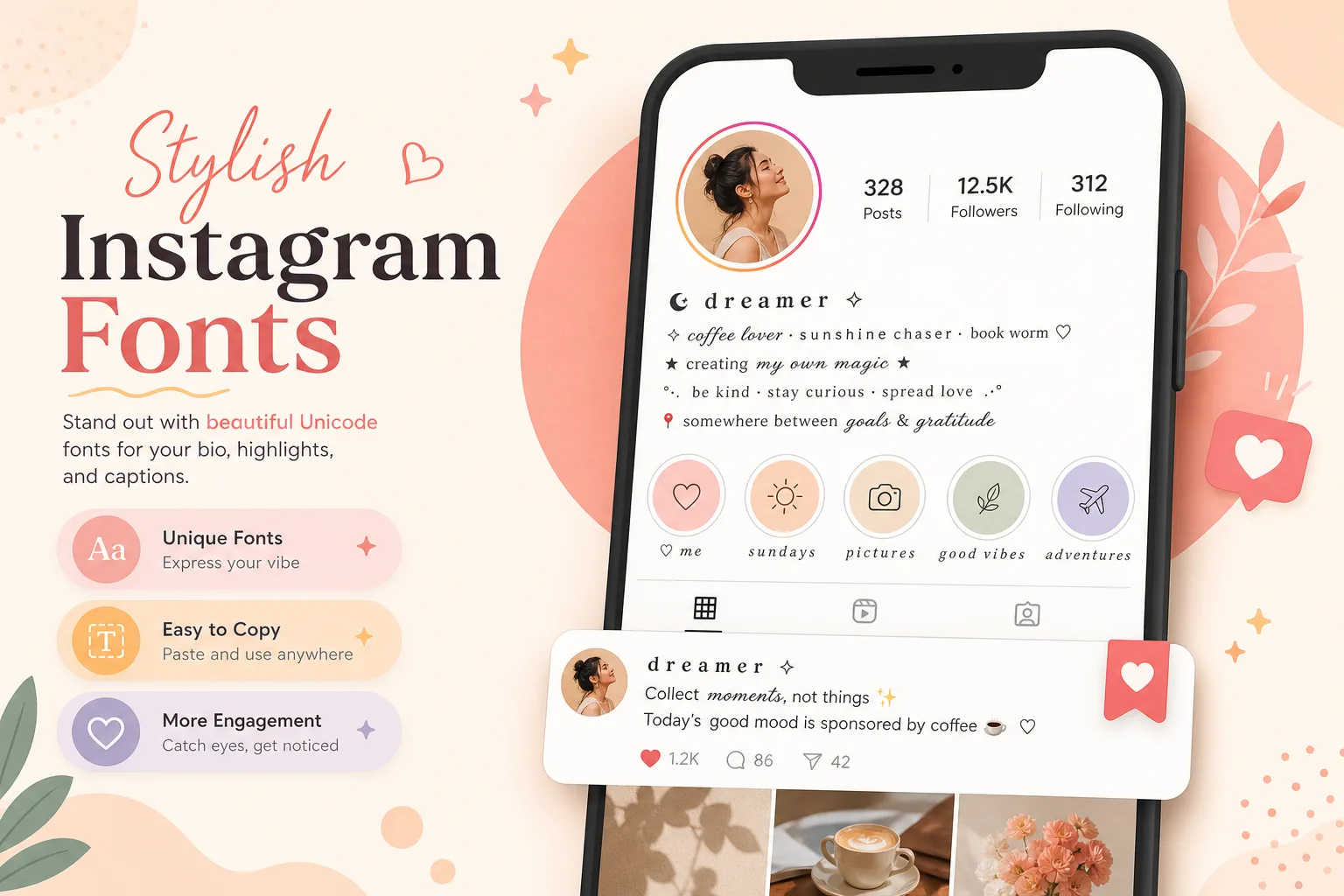
Use Instagram fonts in bios, captions, story covers, and highlight names. Cursive, aesthetic, and cute styles are common picks because they stay readable while still looking styled. Most standard Unicode characters work well, but extra decorative symbols may render differently on older devices.
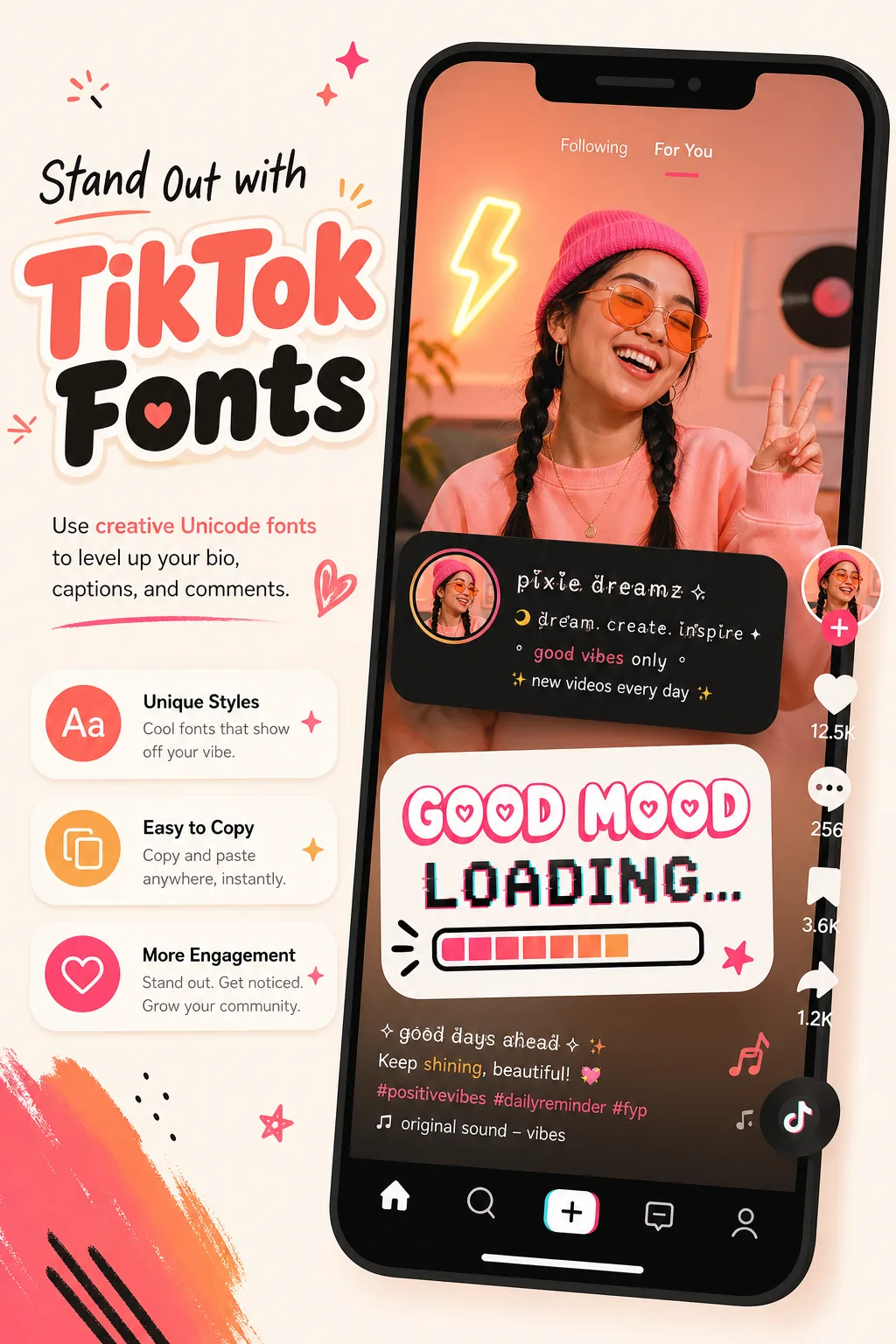
TikTok fonts work best in profile names, bios, short captions, and on-screen text ideas you want to mock up before posting. Bold, bubble, and glitch-inspired styles fit fast-scrolling content well. Keep the styling short, because heavily decorated characters can be harder to read in compact mobile layouts.
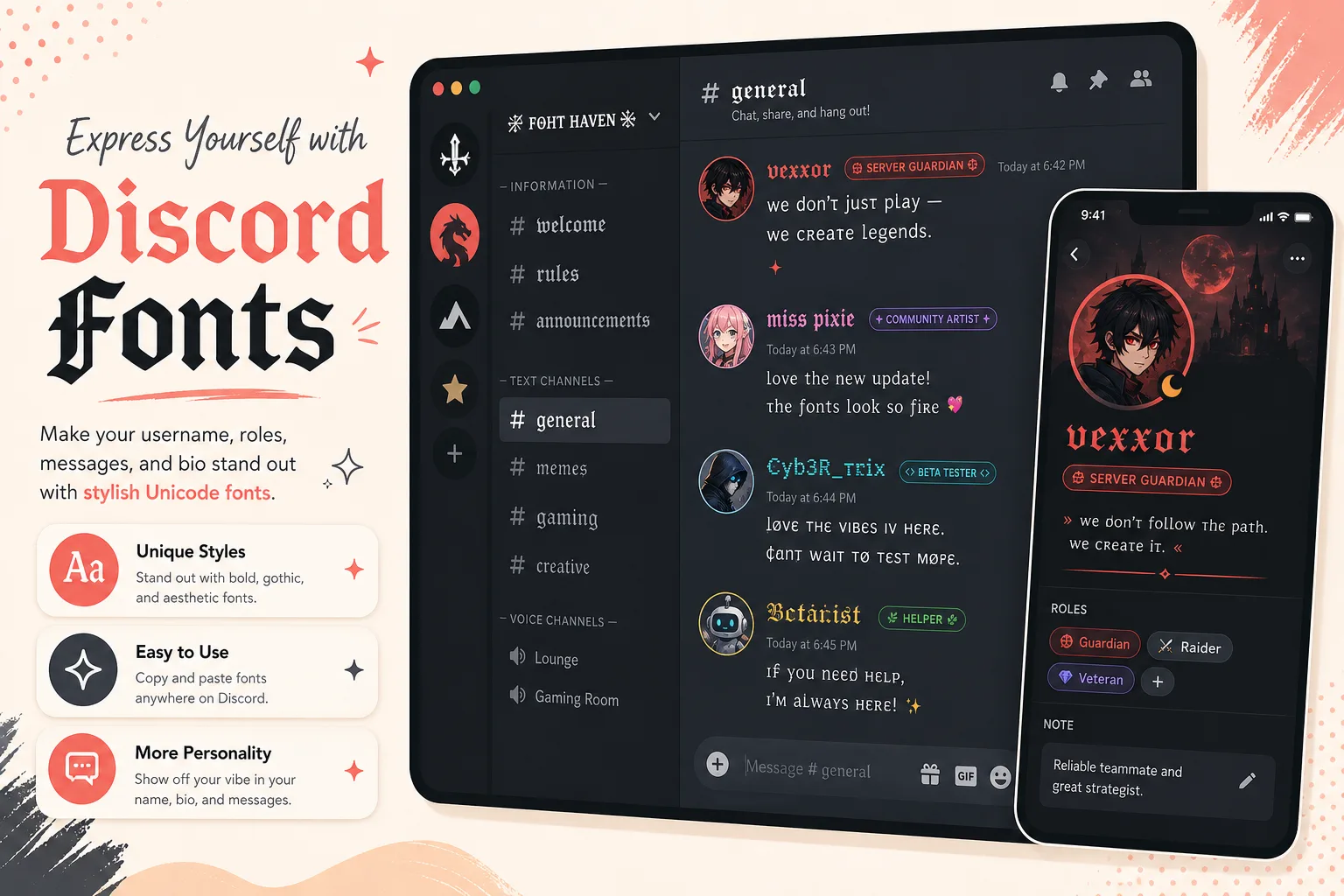
Discord fonts are popular for usernames, nicknames, role names, server channels, and short chat emphasis. Gothic, bold, and glitch styles stand out well for gaming communities. Support is usually solid, but highly unusual characters can appear as blank boxes depending on the device or server context.
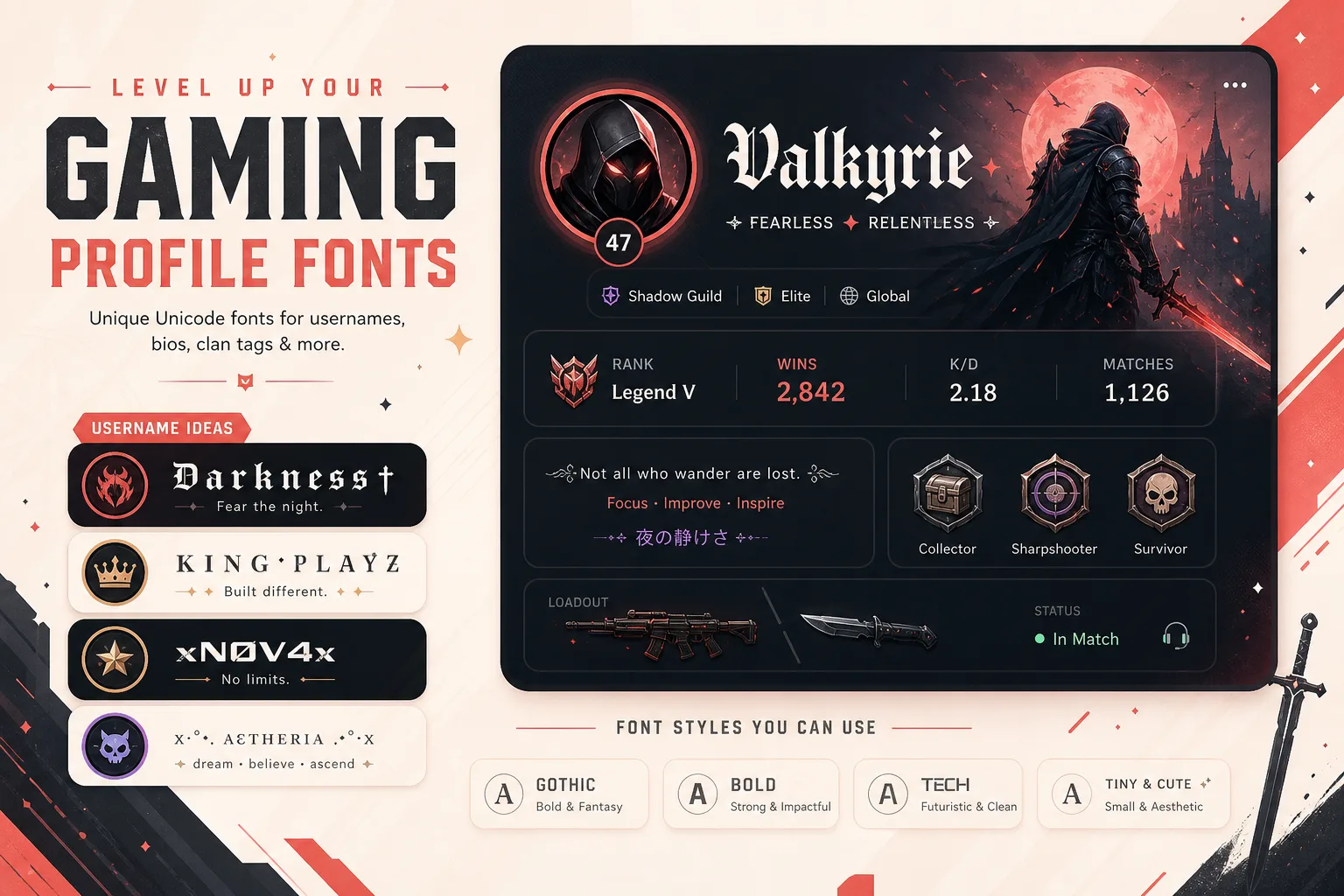
Beyond social apps, people use stylish text for gamer tags, profile names, status lines, and community handles. Gothic, tiny, and bold styles are common choices because they create a distinct identity fast. Compatibility depends on the game or platform field, so simpler Unicode styles are the safest option.
Why People Use a Font Generator
Most people are not looking for more font files. They want text that feels more expressive in the places they already post, chat, brand, and play.
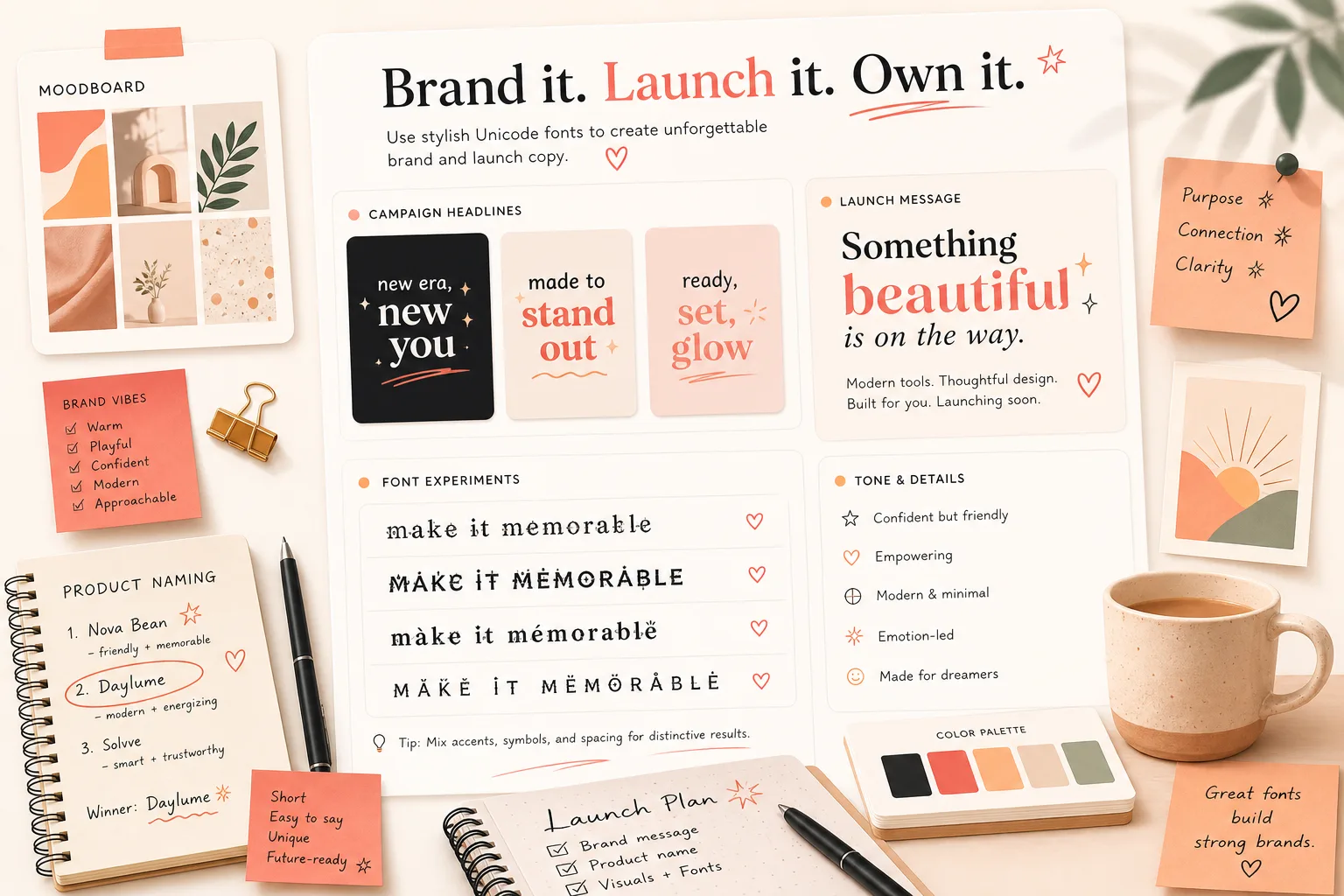
Teams use a font generator to test headlines, promo copy, collection names, and moodboard language before committing to real design assets. Bold and clean Unicode styles are especially useful when you want copy to feel branded in a draft, social teaser, or campaign note.
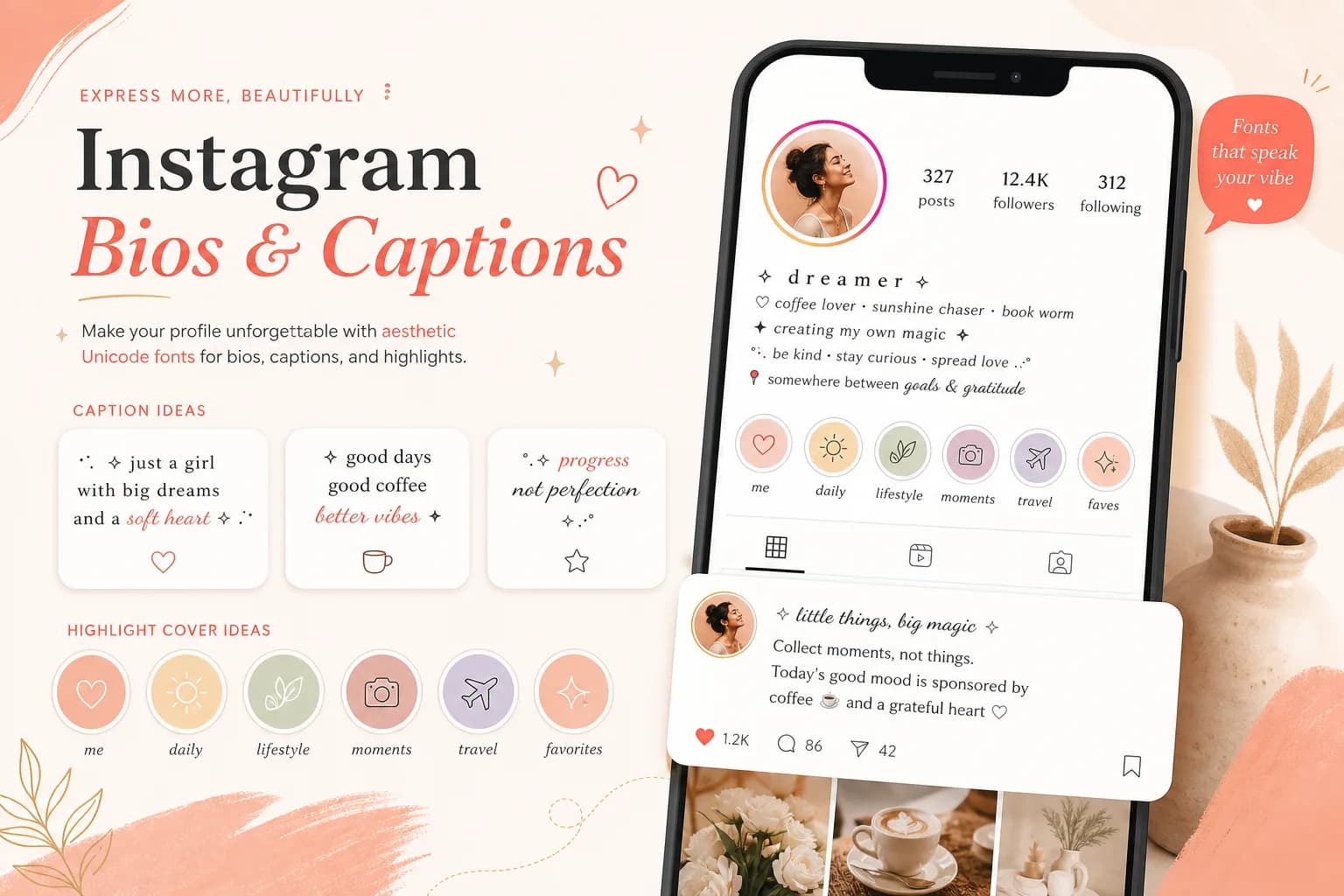
One of the most common use cases is making bios, reel captions, story titles, and highlight covers look more intentional. Cursive, aesthetic, and cute styles help add tone without needing a graphic design app.
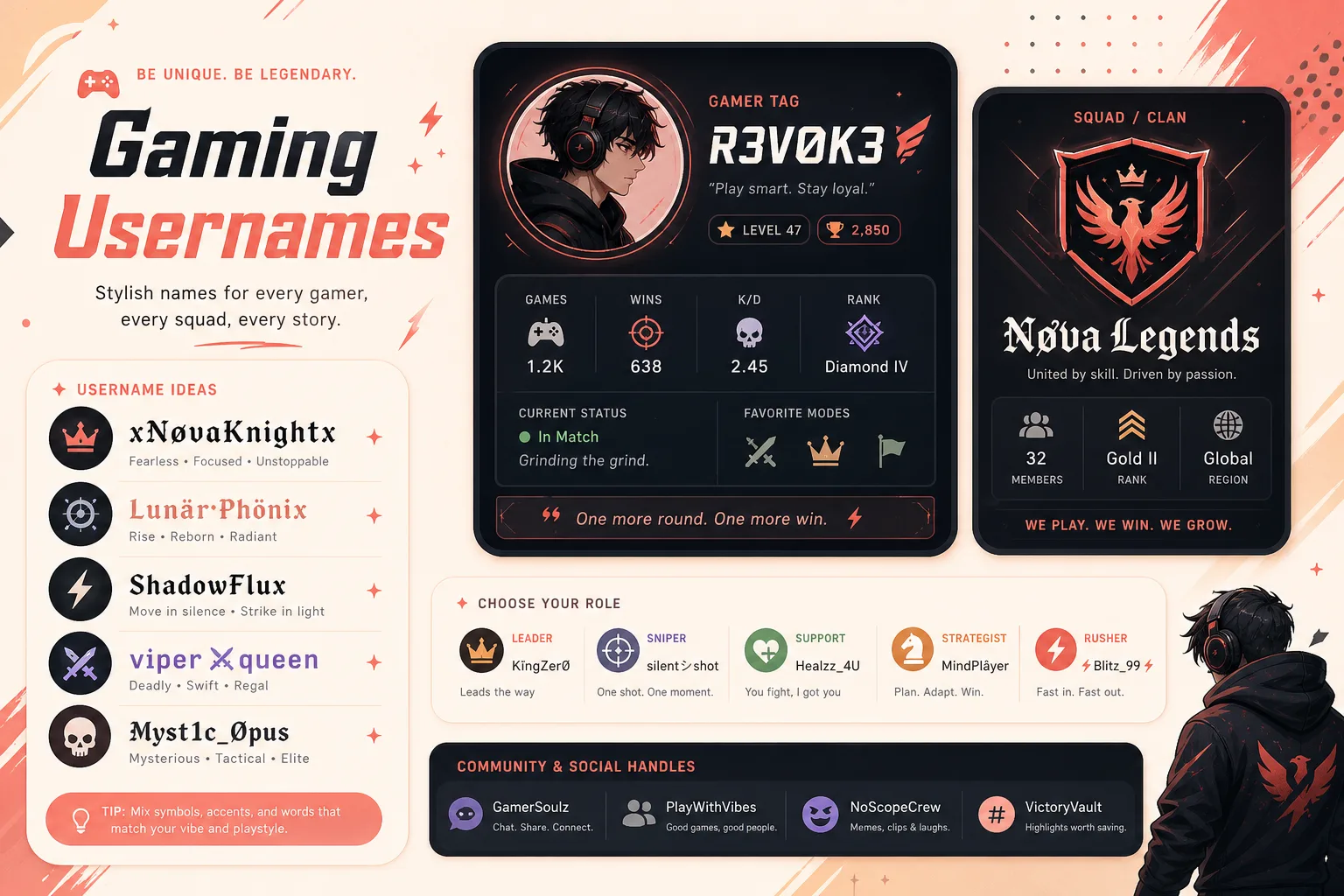
Gamers use gothic, glitch, and bold text styles to make usernames, clan tags, Discord roles, and profile handles easier to recognize. The best results usually come from shorter names with simpler Unicode characters.
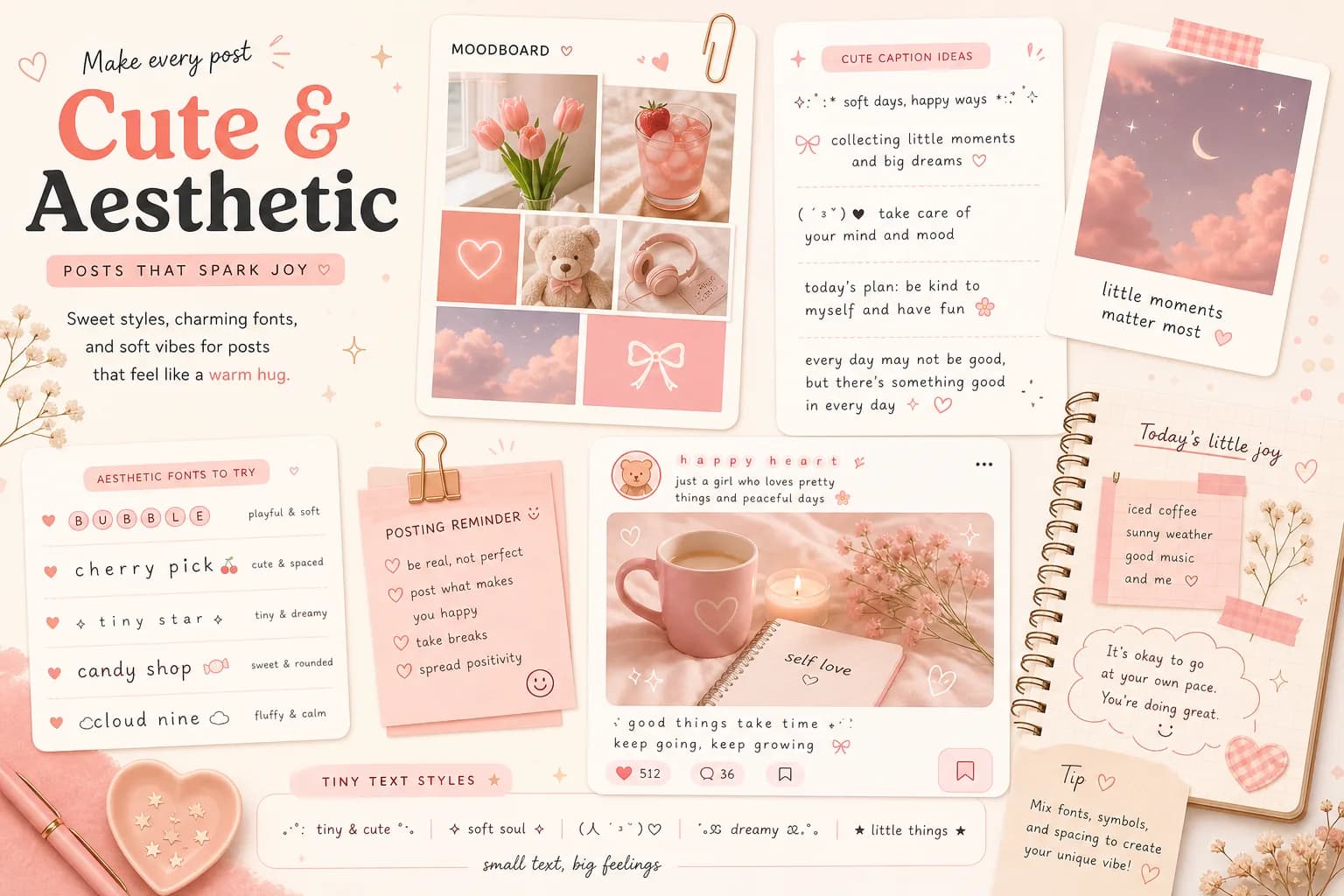
For moodboards, soft edits, journaling captions, and playful posts, bubble, tiny, and aesthetic styles add personality fast. This works best for short phrases where the styling supports the mood instead of overwhelming the message.
When the goal is professional emphasis rather than decorative flair, a LinkedIn Bold Text Generator is often the better fit for headline lines, About section labels, and short post hooks.
Fonts Generator vs Real Fonts vs AI Font Tools
These tools solve different problems. Knowing the difference helps people choose the right workflow for a quick profile update, a design system, or a custom visual identity.
Fonts Generator
Converts plain text into Unicode copy-and-paste styles. Best for bios, captions, usernames, and quick social content where you need instant output in the browser.
Real Fonts
Installed font files used in design software, websites, documents, or brand systems. Best when you control the layout and need consistent typography across assets.
AI Font Tools
Generates new lettering concepts, logo directions, or image-based type explorations. Useful for ideation, but not the fastest way to create a styled username or caption.
Accessibility and Compatibility Tips
Unicode styles are best for short, attention-focused text. If a platform shows boxes or strips characters, switch to a simpler style for better readability and device support.
FAQ
A fonts generator turns regular text into stylish Unicode characters you can copy and paste online. It is designed for quick use in bios, captions, usernames, and short profile text.
Not in the installable-font sense. The output is made from Unicode symbols that look like different font styles, so you can paste them like normal text without downloading a font file.
Yes. People commonly use them in Instagram bios, captions, highlight names, and story text. Simpler styles usually stay the most readable across devices.
Usually yes. TikTok bios, captions, and Discord usernames support many Unicode styles, but a few decorative characters may render differently depending on the app, device, or field.
Yes. You can generate, copy, and paste as many styles as you want without paying, creating an account, or installing anything.
A box usually means the device, browser, or app does not support that Unicode character. Switching to a more common style normally fixes the issue.