Script
Best for: everyday posts
𝓘𝓸𝓾𝓲𝓸𝓳𝓴𝓸𝓱𝓱𝓲𝓳𝓳
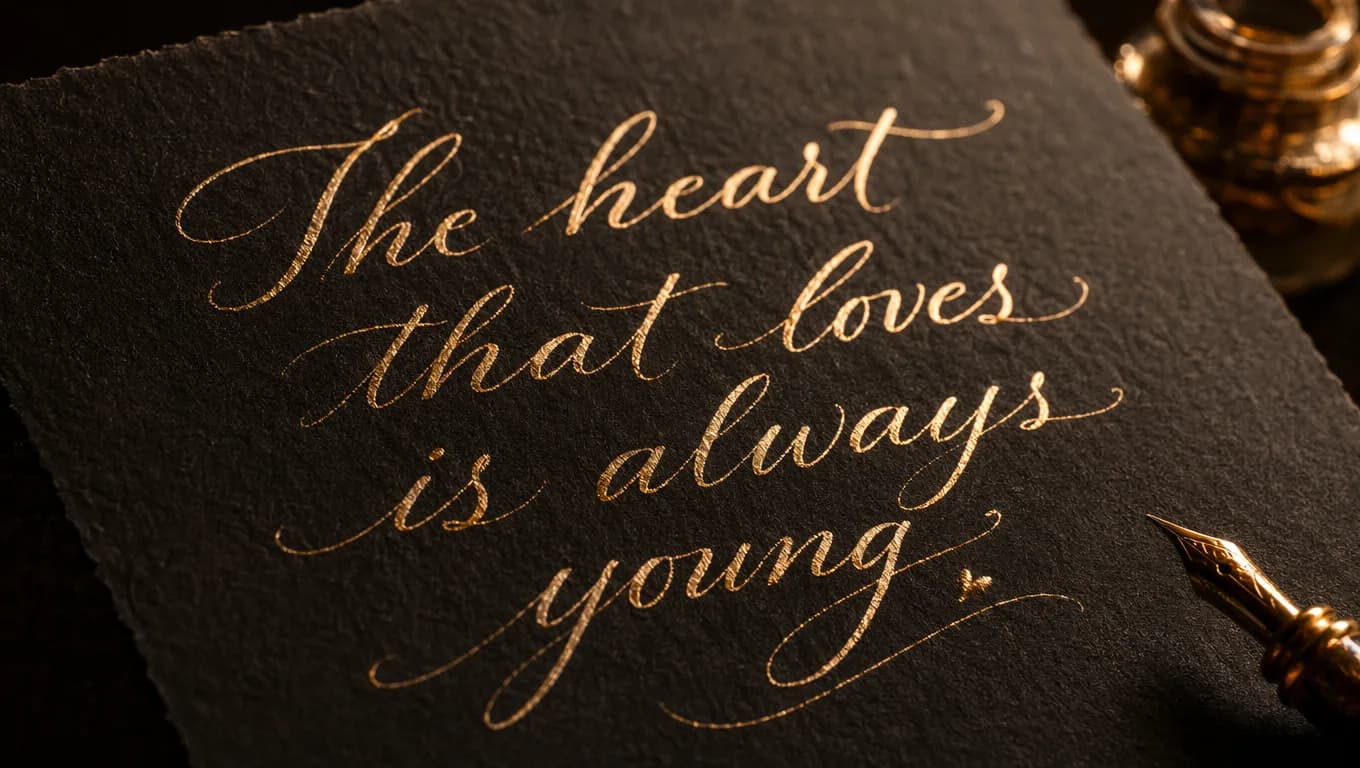
Create elegant calligraphy text you can copy and paste instantly for Instagram bios, wedding invitations, signature styles, and creative branding.
Pick the mood first, then copy the result that fits your project, profile, or creative idea.
These results are filtered toward calligraphy-friendly styles so you can find the perfect look faster.
Script
Best for: everyday posts
𝓘𝓸𝓾𝓲𝓸𝓳𝓴𝓸𝓱𝓱𝓲𝓳𝓳
Bold Script
Best for: everyday posts
𝓘𝓸𝓾𝓲𝓸𝓳𝓴𝓸𝓱𝓱𝓲𝓳𝓳
Elegant Cursive
Best for: elegant profiles
𝓘𝓸𝓾𝓲𝓸𝓳𝓴𝓸𝓱𝓱𝓲𝓳𝓳
Bold Elegant Cursive
Best for: elegant profiles
𝓘𝓸𝓾𝓲𝓸𝓳𝓴𝓸𝓱𝓱𝓲𝓳𝓳
Cursive with Floral
Best for: calligraphy
❀ 𝓘𝓸𝓾𝓲𝓸𝓳𝓴𝓸𝓱𝓱𝓲𝓳𝓳 ❀
Elegant Swirls
Best for: decorative
꧁𝓘𝓸𝓾𝓲𝓸𝓳𝓴𝓸𝓱𝓱𝓲𝓳𝓳꧂
Italic
Best for: signatures
𝓘𝓸𝓾𝓲𝓸𝓳𝓴𝓸𝓱𝓱𝓲𝓳𝓳
Bold Italic
Best for: signatures
𝓘𝓸𝓾𝓲𝓸𝓳𝓴𝓸𝓱𝓱𝓲𝓳𝓳
Cursive with Stars
Best for: cursive
✨𝓘𝓸𝓾𝓲𝓸𝓳𝓴𝓸𝓱𝓱𝓲𝓳𝓳✨
Cursive with Hearts
Best for: cursive
💕𝓘𝓸𝓾𝓲𝓸𝓳𝓴𝓸𝓱𝓱𝓲𝓳𝓳💕
Angled Cursive
Best for: cursive
〈𝓘𝓸𝓾𝓲𝓸𝓳𝓴𝓸𝓱𝓱𝓲𝓳𝓳〉
Cursive with Sparkles
Best for: cursive
。・゚゚・𝓘𝓸𝓾𝓲𝓸𝓳𝓴𝓸𝓱𝓱𝓲𝓳𝓳・゚゚・。
Use these ready-made lines for faster inspiration, then edit the wording in the generator above.
Calligraphy text makes the strongest impact when used on the right platform and for the right purpose.
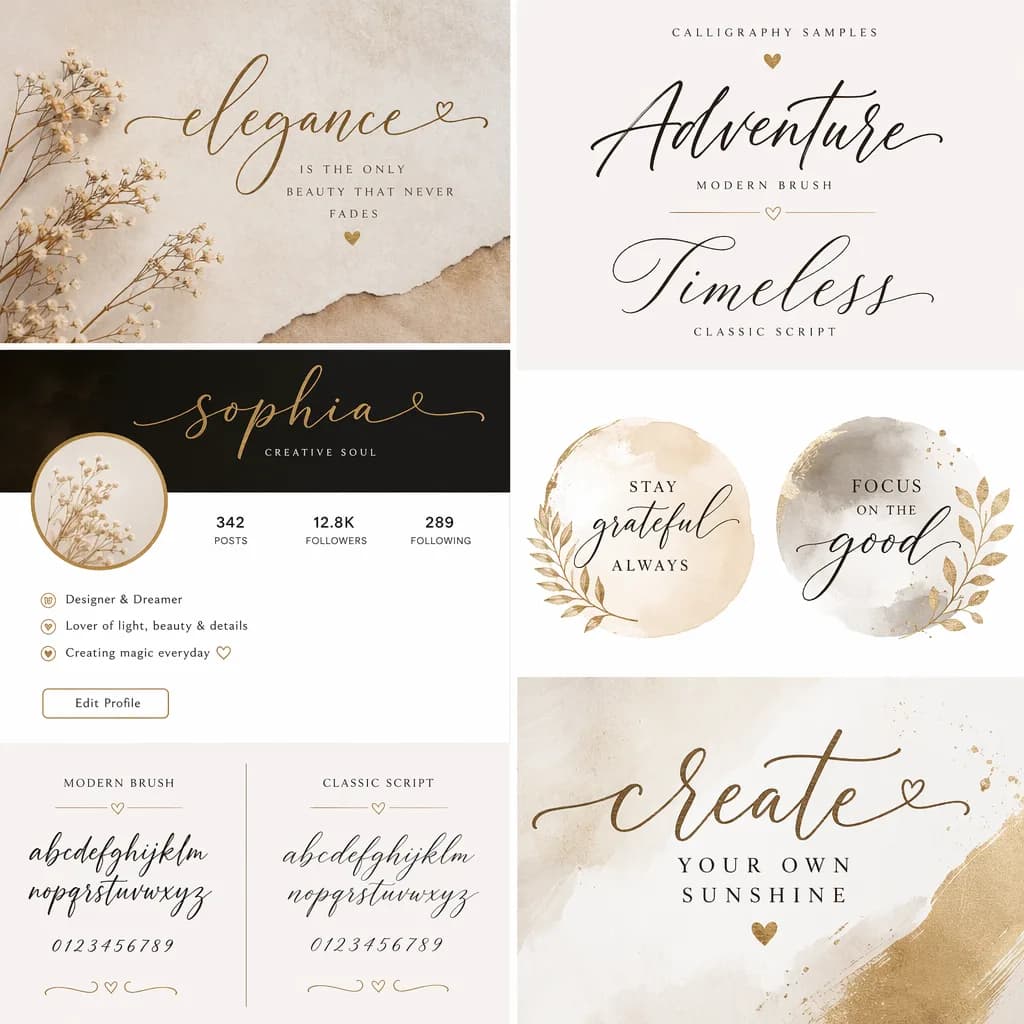
Best for display names and short bio lines. Flowing calligraphy text makes your Instagram, TikTok, or Twitter profile feel curated and artistic.
Ideal for previewing wedding invitation wording, save-the-date text, and romantic quotes in elegant script styles.
Useful as a typography reference before handing your wording to a tattoo artist. Try gothic or brush styles for bold statements.
Signature-style calligraphy text works well for logo concepts, business branding, and creative project headers.
Each calligraphy style has a different feel and use case. Here is a quick guide to help you choose.
| Style | Visual feel | Best use | Readability | Typical intent |
|---|---|---|---|---|
| Elegant Script | Flowing, ornate, romantic | Weddings, quotes, greeting cards | High | Elegant calligraphy for invitations |
| Formal Calligraphy | Classical, refined, stately | Signatures, formal branding, certificates | Medium to high | Traditional penmanship and formal documents |
| Brush Style | Expressive, bold, modern | Social bios, headers, artistic text | Medium to high | Modern and artistic calligraphy looks |
| Gothic Calligraphy | Dramatic, dark, historic | Tattoos, dark aesthetics, band names | Medium | Blackletter and medieval-style lettering |
No installs, no downloads, and no font files to manage.
This generator uses Unicode characters rather than installed font files, which is why it works as copy-and-paste text across modern devices.
Yes in most modern apps, but the best field to use depends on the platform.
Elegant script looks beautiful in bios. Use shorter lines for best effect.
Works well for themed server names and artistic profiles.
Brush and script styles stand out best on short profile lines.
Stick to one styled line for balance between aesthetics and readability.
Paste calligraphy text directly into Canva, Photoshop, or Figma text fields.
Calligraphy Unicode renders well in most chat apps on modern phones.
These are the most common questions users ask when looking for a calligraphy font generator.
A calligraphy font generator converts plain text into Unicode-based calligraphy styles that you can copy and paste into social media profiles, invitations, branding projects, and anywhere else you want elegant lettering.
They are related but not the same. Calligraphy focuses on artistic stroke contrast and decorative letterforms. Cursive emphasizes connected handwriting flow, and script is a broader category that includes both calligraphic and decorative styles. Try our cursive font generator for connected handwriting styles.
Yes. Instagram bios, Discord nicknames, TikTok profiles, and most modern platforms support Unicode calligraphy text. Simply copy the styled result and paste it into the text field.
These are Unicode characters, not installed font files. That is why they work as copy-and-paste text across many platforms without any downloads or installations.
Older devices or apps may not fully support every Unicode character. If that happens, try a simpler calligraphy style or test on another device.
Because the styling comes from Unicode characters rather than custom fonts, the generated text can be used freely. For downloaded images using specific font designs, check the individual font license.
Traditional calligraphy uses pointed or broad nib pens with controlled stroke contrast. Brush lettering uses brush pens for looser, more expressive forms. Both are included in this generator under different style groups.
Usually yes for display names and nicknames, but platform rules differ. Test your preferred style before relying on it for a critical username.
If you like calligraphy styles, you might also enjoy these related font generators.
Platform-specific font generators for your favorite social apps.