Sans Bold
Best for: everyday posts
𝗙𝗮𝗰𝗲𝗯𝗼𝗼𝗸 𝗩𝗶𝗯𝗲𝘀
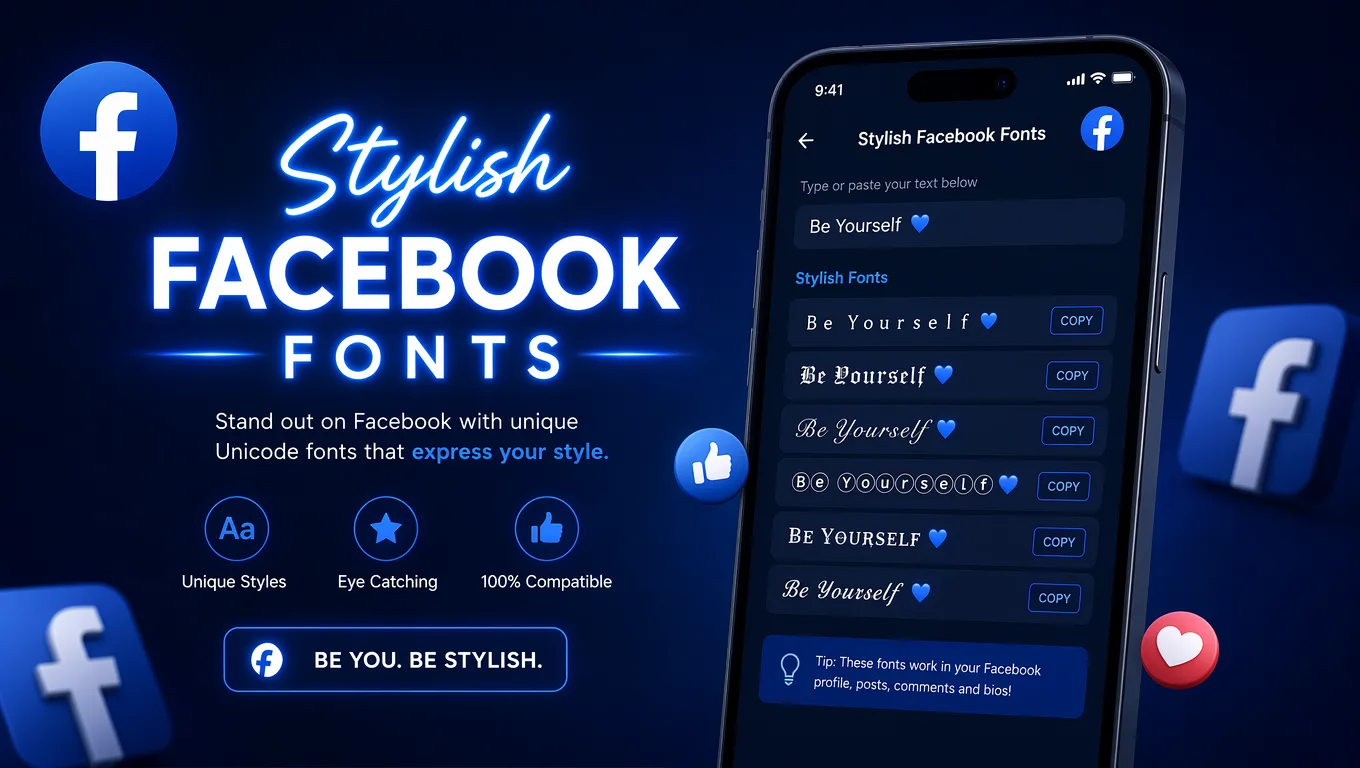
Create stylish Unicode text for your Facebook bio, posts, comments, and profile name. Copy and paste instantly — no app or download needed.
Pick the mood first, then copy the result that fits your profile, post, or page.
These results are filtered toward Facebook-friendly styles so you can get to a usable result faster.
Sans Bold
Best for: everyday posts
𝗙𝗮𝗰𝗲𝗯𝗼𝗼𝗸 𝗩𝗶𝗯𝗲𝘀
Bold Serif
Best for: everyday posts
𝐅𝐚𝐜𝐞𝐛𝐨𝐨𝐤 𝐕𝐢𝐛𝐞𝐬
Sans Bold Italic
Best for: headlines
𝙁𝙖𝙘𝙚𝙗𝙤𝙤𝙠 𝙑𝙞𝙗𝙚𝙨
Bold Italic
Best for: everyday posts
𝑭𝒂𝒄𝒆𝒃𝒐𝒐𝒌 𝑽𝒊𝒃𝒆𝒔
Double Struck
Best for: everyday posts
𝔽𝕒𝕔𝕖𝕓𝕠𝕠𝕜 𝕍𝕚𝕓𝕖𝕤
Monospace
Best for: discord names
𝙵𝚊𝚌𝚎𝚋𝚘𝚘𝚔 𝚅𝚒𝚋𝚎𝚜
Plain
Best for: everyday posts
Facebook Vibes
Italic Serif
Best for: everyday posts
𝐹𝑎𝑐𝑒𝑏𝑜𝑜𝑘 𝑉𝑖𝑏𝑒𝑠
Script
Best for: everyday posts
ℱ𝒶𝒸ℯ𝒷ℴℴ𝓀 𝒱𝒾𝒷ℯ𝓈
Bold Script
Best for: everyday posts
𝓕𝓪𝓬𝓮𝓫𝓸𝓸𝓴 𝓥𝓲𝓫𝓮𝓼
Sans
Best for: everyday posts
𝖥𝖺𝖼𝖾𝖻𝗈𝗈𝗄 𝖵𝗂𝖻𝖾𝗌
Full Width
Best for: everyday posts
Facebook Vibes
Use these ready-made lines for faster inspiration, then edit the wording in the generator above.
Styled text makes the strongest impact when you use it in the right place on Facebook.
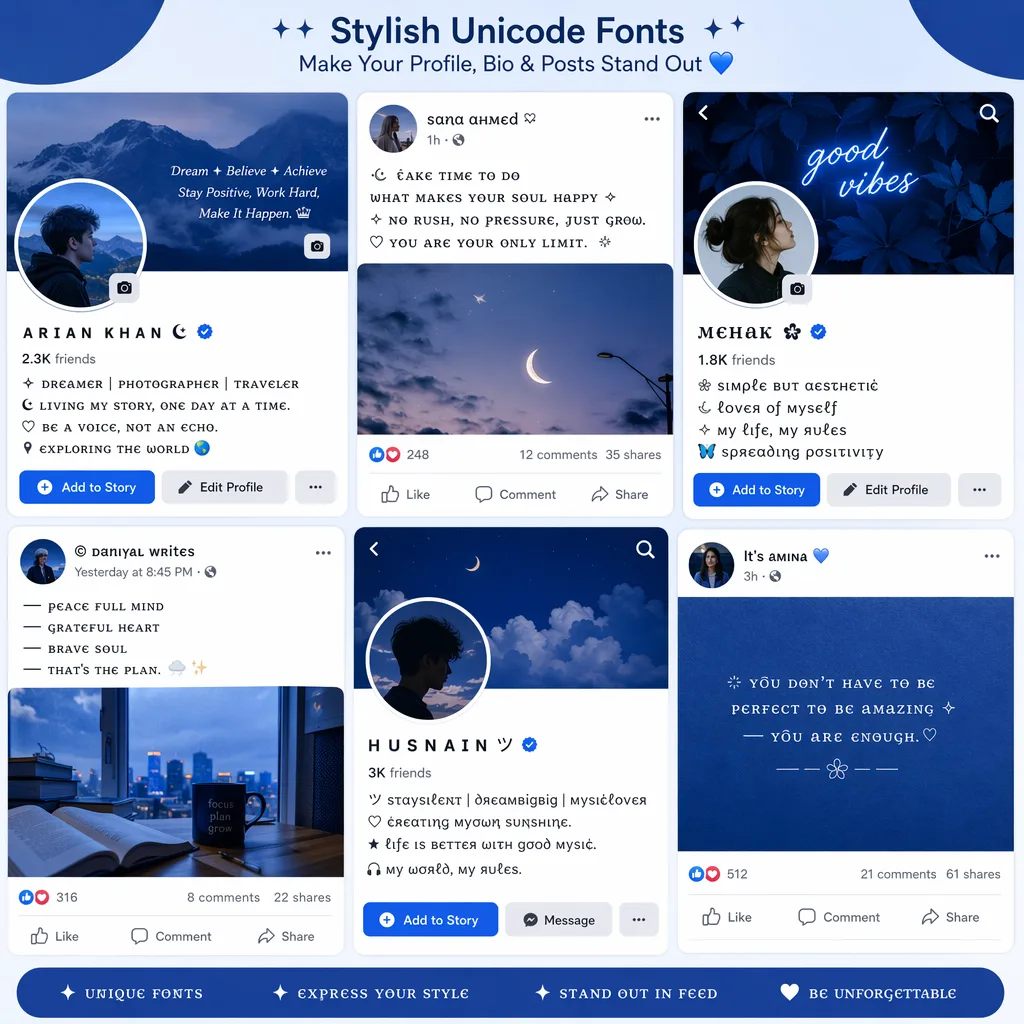
Best with cursive and aesthetic styles. Keep it short — one or two decorated lines make the strongest impression on your profile.
Bold and clean styles work well for post headlines and callouts. Use them to make the first line stand out in the feed.
A light sprinkle of style goes a long way. Cursive or small styles keep your reply readable while adding personality.
Your display name can include Unicode text. Bold Sans and Double Struck are the most readable. Avoid overly decorative styles for names.
A styled group or page name helps set the tone. Clean bold styles work best for professional pages, while fun styles suit hobby groups.
Each style group serves a different purpose on Facebook. Here is how they compare.
| Style | Visual feel | Best use | Readability | Typical intent |
|---|---|---|---|---|
| Bold & Clean | Strong, scannable, clear | Posts, page names, group descriptions, headlines | High | Professional, readable Facebook content |
| Stylish & Cursive | Elegant, flowing, artistic | Bio, intro, about section, comments | Medium to high | Creative profiles and aesthetic bios |
| Aesthetic & Fun | Bubbly, cute, decorative | Profile name, story, status, cover intro | Medium | Playful profiles and fun social updates |
No installs, no downloads, and no font files to manage.
This generator uses Unicode characters rather than installed font files, which is why it works as copy-and-paste text across modern browsers and devices.
Yes — most Facebook fields support Unicode text, but the experience varies by field.
Facebook allows Unicode in display names. Bold Sans and Double Struck are the most readable choices. Avoid overly decorative styles.
A short styled bio line adds personality. Cursive and aesthetic styles work best here. Keep it to one or two lines.
Use bold and clean styles for the first line or callout. Long paragraphs of styled text can be harder to read in the feed.
A styled comment can stand out, but keep it short. Cursive and small styles add flair without overwhelming readability.
Bold and clean styles help your page name look professional. Avoid decorative styles that may appear unprofessional.
Styled group names set the tone. Fun styles work well for hobby groups, while bold styles suit professional communities.
These are the most common questions users ask about Facebook fonts.
Type your text in the input box above, choose a style group that matches your use case, click the copy button on any result, and paste it into your Facebook profile name, bio, post, or comment.
They are Unicode characters, not installed font files. That is why they display as copy-and-paste text across Facebook and other modern apps without any plugins or downloads.
Some Unicode characters may not be supported by older devices or browsers. If you see blank boxes instead of letters, try a simpler style like Sans Bold or Double Struck.
Yes. Facebook allows Unicode characters in display names. Most bold and cursive styles work. Very decorative styles may not display correctly everywhere. Try our cursive font generator for elegant display names.
Bold Sans, Bold Serif, and Double Struck are the most readable for post headlines and callouts. They add emphasis while staying easy to read in the feed.
Yes. Facebook fonts work in comments, page names, group names, and intro sections. Simpler styles are usually more readable across all areas.
Yes. Unicode-based fonts display correctly on both desktop and mobile versions of Facebook, including iOS and Android apps.
If you like Facebook font styles, you might also enjoy these related font generators.
Platform-specific font generators for your favorite social apps.