Small Caps
Best for: instagram bio
ʜᴇʟʟᴏ ᴡᴏʀʟᴅ

Use this small text generator to create small caps, superscript, and tiny Unicode text for bios, profiles, captions, and display names.
Pick the style first, then copy the result that fits your bio, username, or creative project.
These results are filtered toward small-text styles so you can preview and copy your converted text faster.
Small Caps
Best for: instagram bio
ʜᴇʟʟᴏ ᴡᴏʀʟᴅ
Plain
Best for: everyday posts
Hello World
Bold Serif
Best for: everyday posts
𝐇𝐞𝐥𝐥𝐨 𝐖𝐨𝐫𝐥𝐝
Italic Serif
Best for: everyday posts
𝐻𝑒𝑙𝑙𝑜 𝑊𝑜𝑟𝑙𝑑
Bold Italic
Best for: everyday posts
𝑯𝒆𝒍𝒍𝒐 𝑾𝒐𝒓𝒍𝒅
Script
Best for: everyday posts
ℋℯ𝓁𝓁ℴ 𝒲ℴ𝓇𝓁𝒹
Bold Script
Best for: everyday posts
𝓗𝓮𝓵𝓵𝓸 𝓦𝓸𝓻𝓵𝓭
Double Struck
Best for: everyday posts
ℍ𝕖𝕝𝕝𝕠 𝕎𝕠𝕣𝕝𝕕
Sans
Best for: everyday posts
𝖧𝖾𝗅𝗅𝗈 𝖶𝗈𝗋𝗅𝖽
Sans Bold
Best for: everyday posts
𝗛𝗲𝗹𝗹𝗼 𝗪𝗼𝗿𝗹𝗱
Full Width
Best for: everyday posts
Hello World
Sans Italic
Best for: instagram bio
𝘏𝘦𝘭𝘭𝘰 𝘞𝘰𝘳𝘭𝘥
Use these ready-made lines for faster inspiration, then edit the wording in the generator above.
Small text makes the strongest impact when used intentionally and sparingly.
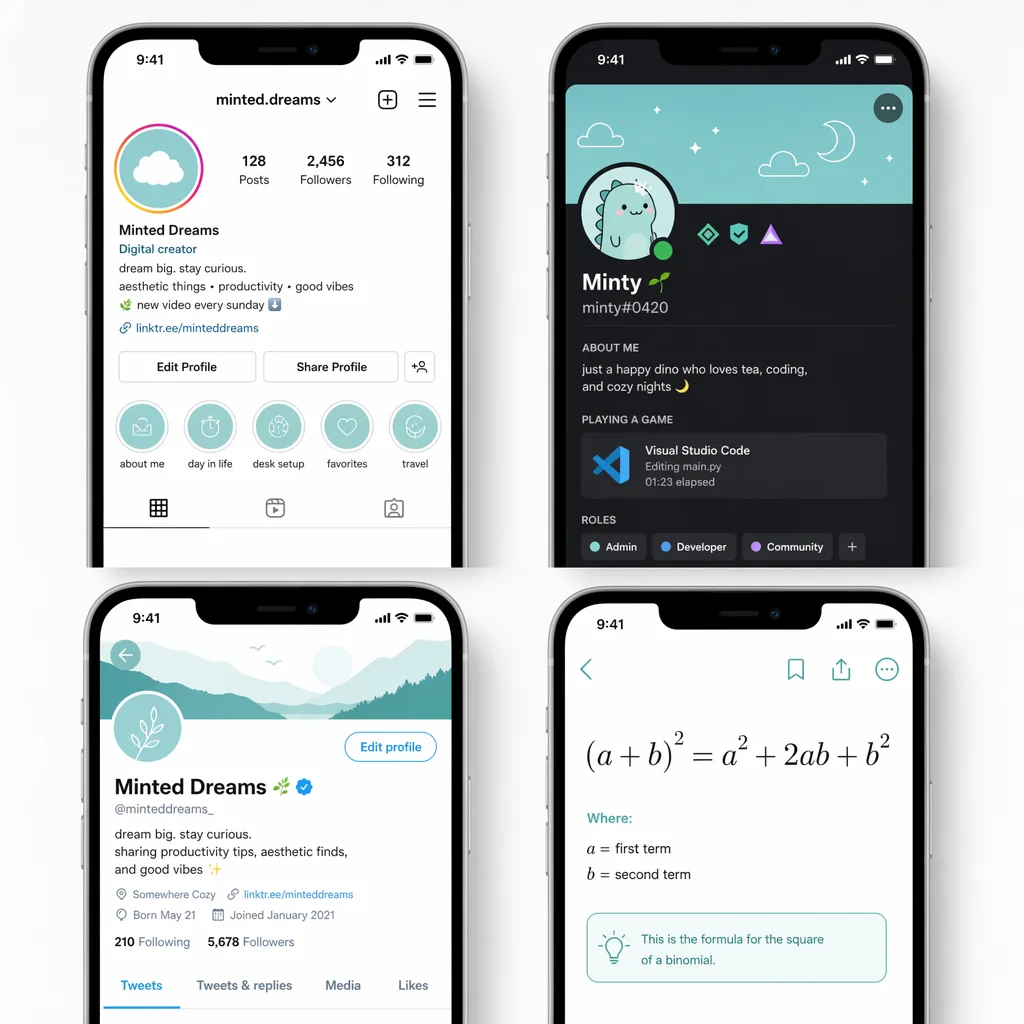
Small text in bios creates visual hierarchy and rewards careful readers — use it for disclaimers, footnotes, or a layered aesthetic look.
Tiny text makes usernames and nicknames stand out on Discord, Steam, and Twitch. Mix regular and small text for layered effect.
Superscript and small caps work well for creative display names that fit within character limits while looking distinct.
Small caps and superscript are essential for writing exponents (x²), chemical formulas (H₂O), and footnotes on platforms without LaTeX.
Each small text style works differently. Here is a quick comparison to help you choose.
| Style | Visual feel | Best use | Readability | Typical intent |
|---|---|---|---|---|
| Small Caps | Compact, uppercase-like, refined | Bios, headings, display names | High | Elegant and professional small text |
| Superscript | Raised, playful, footnote-like | Annotations, accents, math expressions | Medium | Tiny decorative raised text |
| Tiny Caps | Delicate, miniature, soft | Aesthetic bios, gentle details | Medium | Extra-small decorative accent text |
No installs, no downloads, and no font files to manage.
This generator uses Unicode characters rather than installed font files, which is why the small text works as copy-and-paste across all modern devices.
Yes in most modern apps, but the best field depends on the platform.
Small text works great in Instagram bios and name fields. Best kept short for readability.
One of the best platforms for small text. Mix regular and small styles for unique profiles.
Short small-text phrases work well in TikTok bios. Avoid long blocks for readability.
Small text fits well within character limits and creates visual contrast.
Some Unicode characters may be restricted. Test your style before committing.
Small caps work reliably. Superscript may render differently on some themes.
These are the most common questions users ask about small text.
A small text generator converts plain text into Unicode-based small styles — small caps, superscript, and tiny caps — that you can copy and paste into apps, bios, and creative profiles.
No. Small text uses Unicode characters that are built into every modern device. Unlike real fonts, they require no installation and work by copy and paste.
Yes. Instagram bios, display names, captions, and Discord nicknames all support Unicode small text without any extra setup. Try our Instagram font generator or Discord font generator for more styles.
Older devices or apps may not fully support every Unicode character in the superscript or small caps ranges. If you see a blank box, try a simpler style.
No. Small caps are uppercase-shaped letters at x-height. Superscript characters float above the baseline. Tiny caps blend both for an extra-delicate look.
Yes. FontVibe's small text generator is completely free to use with no limits, no sign-ups, and no hidden charges.
Most platforms allow Unicode in display names and nicknames. Check each platform's username rules since some restrict non-ASCII characters.
If you like small text styles, you might also enjoy these related font generators.
Platform-specific font generators for your favorite social apps.