Sans Bold
Best for: everyday posts
𝗢𝗽𝗲𝗻 𝘁𝗼 𝗪𝗼𝗿𝗸
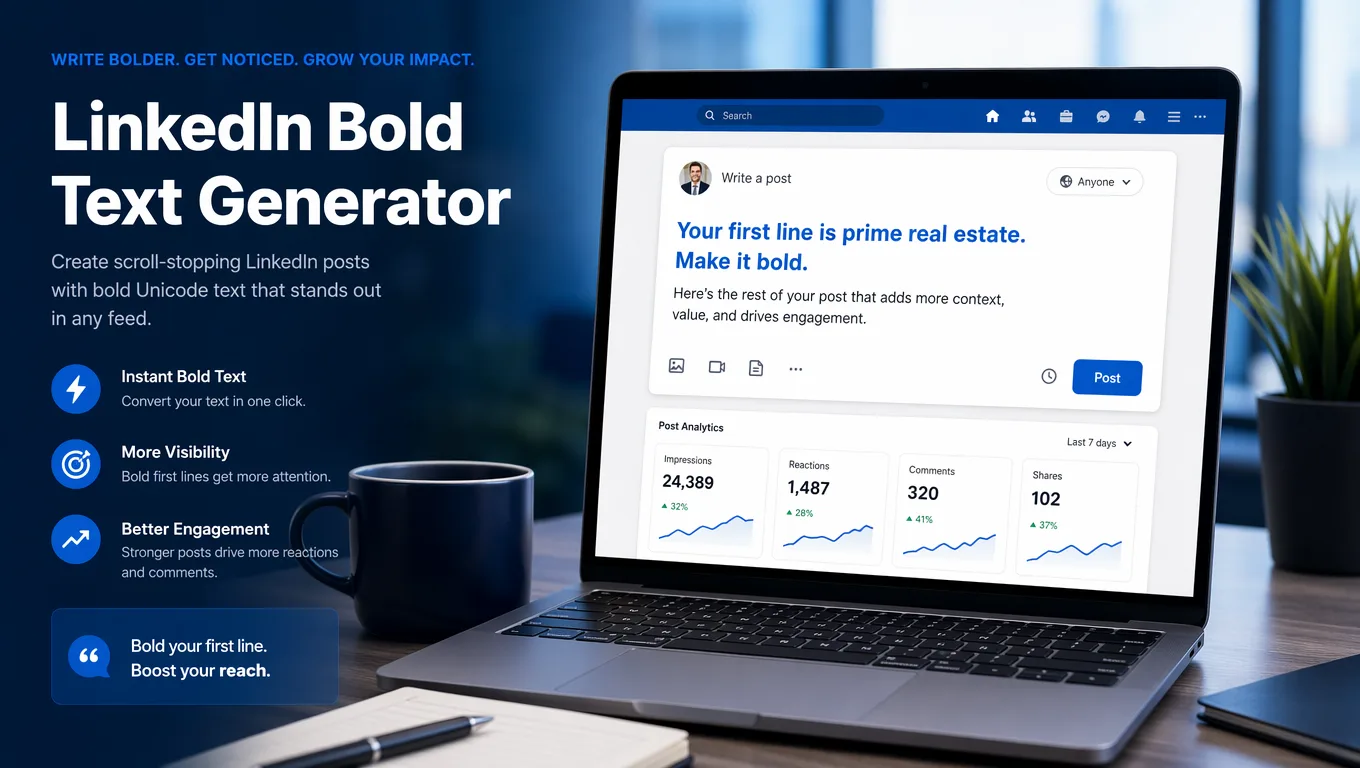
Create bold Unicode text for your LinkedIn posts, headlines, About sections, and comments. Copy and paste instantly to add emphasis without making your profile look noisy.
This free LinkedIn bold text generator converts plain text into bold and bold italic Unicode styles you can copy and paste instantly.
Start with the bold family that best matches your tone, then copy the result that still feels readable in a professional feed.
These results prioritize cleaner bold Unicode styles so you can move faster without digging through decorative options.
Sans Bold
Best for: everyday posts
𝗢𝗽𝗲𝗻 𝘁𝗼 𝗪𝗼𝗿𝗸
Sans Bold Italic
Best for: headlines
𝙊𝙥𝙚𝙣 𝙩𝙤 𝙒𝙤𝙧𝙠
Bold Serif
Best for: everyday posts
𝐎𝐩𝐞𝐧 𝐭𝐨 𝐖𝐨𝐫𝐤
Use this free tool when you need LinkedIn-ready Unicode bold styles that copy cleanly into posts, headlines, About sections, and comment CTAs.
You can generate LinkedIn bold text for free without signing up, then copy the result directly into your workflow.
If you want stronger emphasis, choose one of the bold italic Unicode styles above and use it for a short hook or CTA phrase.
Use these copy-ready examples for faster drafting, then adjust the wording to match your own voice and role.
Bold works best when it creates hierarchy, not decoration. These are the highest-value places to use it.
The first line of a LinkedIn post decides whether someone keeps reading. Bold works best on a short hook, not on the whole post.
A bold job title or value proposition can make your headline easier to scan in search results, comments, and profile cards.
Use bold as section labels such as What I do or Key results to break long profile text into clearer chunks.
A short bold CTA in a top comment can pull more attention than plain text, especially on launch or lead magnet posts.
Bold works well on short featured card titles because it adds emphasis without making the rest of your profile feel over-styled.
Different bold variants communicate different levels of polish and intensity. Here is the practical tradeoff.
| Style | Visual feel | Best use | Readability | Typical intent |
|---|---|---|---|---|
| Clean Sans Bold | Native, modern, direct | Post hooks, headlines, CTA phrases | High | Professional emphasis with minimal visual risk |
| Executive Serif Bold | Formal, editorial, authoritative | Thought-leadership lines, featured titles, polished headlines | High | A slightly more premium and traditional tone |
| High-Impact Emphasis | Louder, sharper, more attention-grabbing | Single standout phrases and short CTA lines | Medium to high | Maximum contrast when you need one phrase to pop |
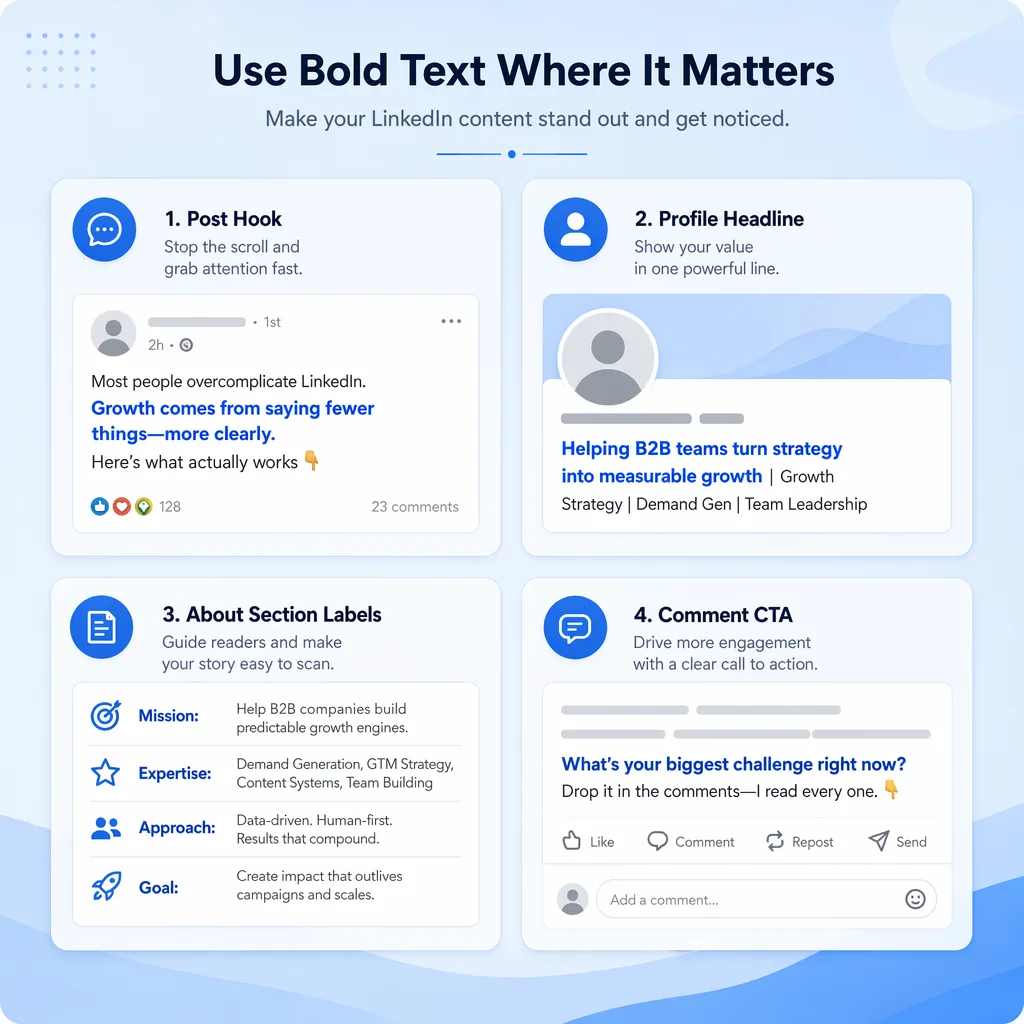
There is no native bold button in LinkedIn posts, so this tool uses Unicode text that still looks bold after you paste it.
Bold Unicode text works well on LinkedIn, but there are practical tradeoffs worth knowing before you format a whole post.
LinkedIn posts do not support native bold formatting, but Unicode bold text usually renders correctly on desktop, iPhone, and Android. Keep the bold portion short.
A bold title line can stand out in search and comments, but over-styling the full headline can look noisy in a professional context.
Bold labels improve scanning. Use them to separate sections, then keep the explanatory paragraphs in plain text for readability.
Bold comments work well for action-oriented lines such as comment guide or full checklist below. They are most effective when used once.
Featured links and titles support Unicode text, which makes bold a useful way to add hierarchy to portfolio items or lead magnets.
Many Unicode bold letters take more character space than plain text. That is another reason to use bold selectively instead of formatting entire paragraphs.
The pages ranking well for this topic all point to the same rule: bold works best as light structure, not as a full formatting system.
Not every LinkedIn field benefits from styled Unicode. These are the places where restraint usually performs better.
Styled Unicode can make your name look unusual, but it can also reduce trust and hurt search matching. Keep first and last name fields plain.
Long blocks of bold text are harder to read, especially on mobile. The best LinkedIn posts use bold as a cue, not as the entire reading experience.
If discoverability matters, leave hashtags and your main search terms in plain text. Over-styled keywords can be less clear for search and skimming.
LinkedIn is still a professional context. Decorative text or too many styled lines in your headline or About section can make the profile feel less credible.
Use this quick reference when you are deciding whether bold text will help a specific LinkedIn surface or just make it feel cluttered.
| Field | Works well? | Best use | Avoid |
|---|---|---|---|
| Posts | Yes | Bold hook line, section labels, short CTA | Full bold paragraphs |
| Headline | Yes | Role title or one value proposition | Styling the entire line |
| About Section | Yes | Section headers and short emphasis | Replacing every sentence with Unicode bold |
| Comments | Yes | CTA phrases and top-comment prompts | Long multi-line bold replies |
| Articles | Usually unnecessary | Only when preview text needs emphasis | Ignoring LinkedIn's native article formatting tools |
| Messages | Sometimes | A short highlighted phrase | Making outreach look spammy |
| Name Field | Not recommended | None for most professional profiles | Styled first and last names |
These are the most common questions people ask when they want bold text for LinkedIn posts, headlines, and profile sections.
LinkedIn does not offer native bold formatting in feed posts, but you can use Unicode bold characters that look bold after you copy and paste them into LinkedIn.
The best places are post hooks, profile headlines, About section labels, short featured titles, and CTA lines in comments. Keep the rest of the text plain for readability.
Sans Bold is usually the safest choice because it feels closest to LinkedIn's native UI. Serif Bold can work well for a more formal tone, while Bold Italic is better for one short emphasis phrase.
It can reduce clarity for search and indexing if you overuse it. The safest approach is to bold only a few key words or short labels and keep your main meaning in plain text.
Yes. Unicode bold text usually displays correctly in the LinkedIn mobile app on iPhone and Android as well as on desktop web.
Yes. You can use this free LinkedIn bold text generator to turn plain text into Unicode bold styles, then copy and paste the result into LinkedIn posts, headlines, About sections, and comments.
Yes. This tool includes bold italic Unicode options that work well for short hook lines, CTA phrases, and one standout emphasis line on LinkedIn.
Open this generator on your phone, type the short phrase you want to highlight, copy the bold result, and paste it into the LinkedIn app. This works best for post hooks, headline phrases, and comment CTAs.
No. Full paragraphs of bold Unicode text are harder to read, can feel unprofessional, and may create accessibility issues for screen readers. Use bold only for emphasis.
No. It is not a font setting or HTML formatting. It is a different set of Unicode characters that visually look bold when pasted into LinkedIn.
If you want more than clean LinkedIn bold text, these related tools can help with other emphasis styles and text formats.
Looking for platform-specific text styles beyond LinkedIn? Explore these other generator pages.